

Create, brand and publish social videos with AI
AI characters, B-roll, sound and effects from a single prompt — then publish straight to TikTok, Shorts and Reels and see what works.







How ProAnimate Works
From a one-line idea to a published post — three steps, no editing skills needed.

Describe your idea
Type a prompt, or pick a script Brand Studio found for you. ProAnimate writes the story.
Generate the video
AI characters act it out with voices and lip sync, cut with B-roll, sound effects and VFX.
Publish & learn
Auto-publish to every platform, track what performs, and let your model learn your style.

Powerful Features, Simple to Use
Everything a content team does, in one studio — from the first idea to the analytics.

AI Characters
Talking characters with voices and lip sync — yours, or generated from a prompt

B-roll, SFX & VFX
Stock and generated B-roll, sound effects and visual effects, placed for you

Auto-publish
One click to TikTok, YouTube, Instagram, Facebook and X — now or on a schedule
Brand Studio
Colour themes, audience research and script ideas that sound like you

Learns your style
Tracks how every post performs and fine-tunes your model on what works
Built for Every Creator
Whatever you post, ProAnimate keeps it on-brand and on schedule.

Brands
Product videos in your colours, your voice and your characters.

Creators
A week of Shorts from one afternoon of ideas.

Agencies
Every client in their own brand, published on their own calendar.

Educators
Explain anything with a character who teaches it on screen.
What Creators Say
Creators and brands on what changed once ProAnimate started making their videos.

“I used to spend a weekend on one video. Now I describe the idea on Monday and five Shorts go out that week.”

“The character is the brand now. People recognise her in the feed before they read the caption.”

“Brand Studio picked our colours, and the scripts it suggested were better than the ones we were writing.”

“Auto-publish alone saved us a part-time hire. Everything goes out on time, on every platform.”
“After a month it had learned our tone. The videos stopped sounding like AI and started sounding like us.”
“B-roll and sound effects used to be the boring part. Now they are just there, in the right places.”
“We run twelve client accounts from one dashboard, each in its own brand. That was not possible before.”
“The analytics told me which hooks worked, and the next batch of videos used them. It compounds.”
“I teach chemistry. My character explains it on screen better than my slides ever did.”
“One prompt, one afternoon, a month of content. I still open the editor to tweak, but I rarely need to.”
“The VFX made our product launches look like we had a studio. We have a laptop.”

“It posts, it watches, it learns. My job went from making videos to deciding what they should say.”
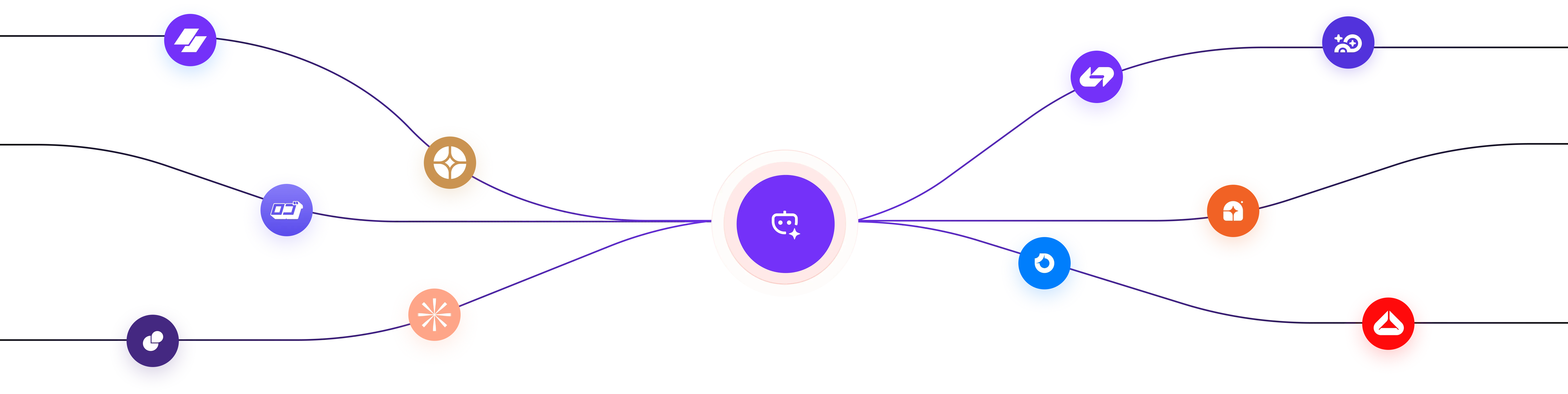
Publishes everywhere you post
TikTok, YouTube Shorts, Instagram Reels, Facebook and X — connect once, and every video goes out on schedule.
Frequently Asked Questions
The short answers. For anything else, write to support@proanimate.com.
What is ProAnimate?

Do I need editing skills?
Can I use my own characters and brand?
Where can it publish?
What does “learns your style” mean?
Sign up and make your first video
Free to start. Enter your email and we’ll send you a sign-in link — no card, no install.